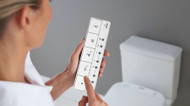
The TOTO S7A is a premium bidet seat designed to combine comfort, automation, and customization into one experience. One of the most useful features of the TOTO Washlet S7A remote is the Personal Settings that allows multiple users to save their preferred wash experience for instant activation.
Many homeowners search for how to program a TOTO Washlet remote because they adjust spray position or water pressure every time they sit down without realizing those preferences can be stored. This guide explains how to use the TOTO S7A remote, where to find Personal Settings, and how to program them correctly.
Finding the Personal Setting Button on the TOTO S7A Remote
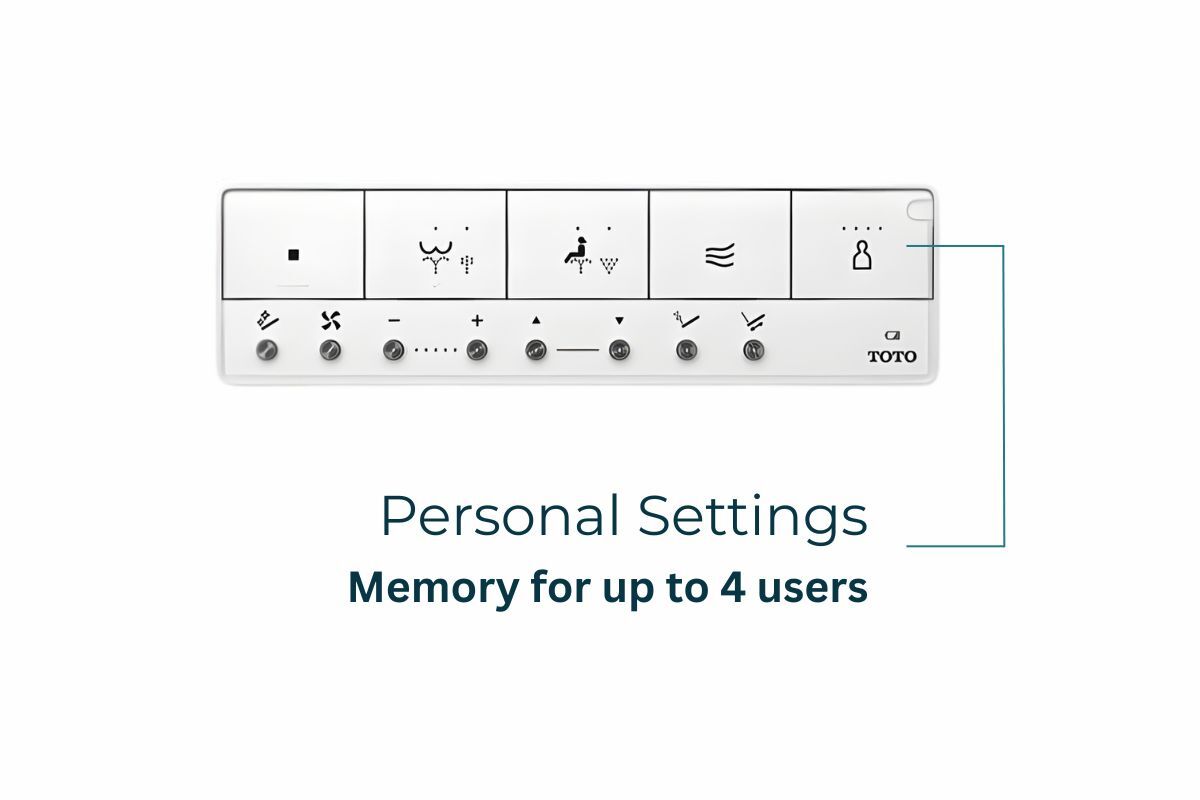 Before learning how to program a TOTO S7A remote, it helps to know where the Personal Setting controls are located.
On the front of the TOTO Washlet S7A remote, the Personal Setting button sits at the top right and is marked with the outline of a person with four small dots above the head, representing the available user profiles.
Personal Settings allow up to four users to save wash preferences such as water pressure, wand position, and warm water temperature. When a profile is selected and a wash function begins, the TOTO S7A bidet seat automatically applies the saved settings so you don’t need to adjust them each time.
Step by Step Guide to Programming Personal Settings
If you’ve been searching for how to program a TOTO Washlet remote or how to program a TOTO S7A remote, follow these steps carefully.
Step 1: Sit on the Washlet
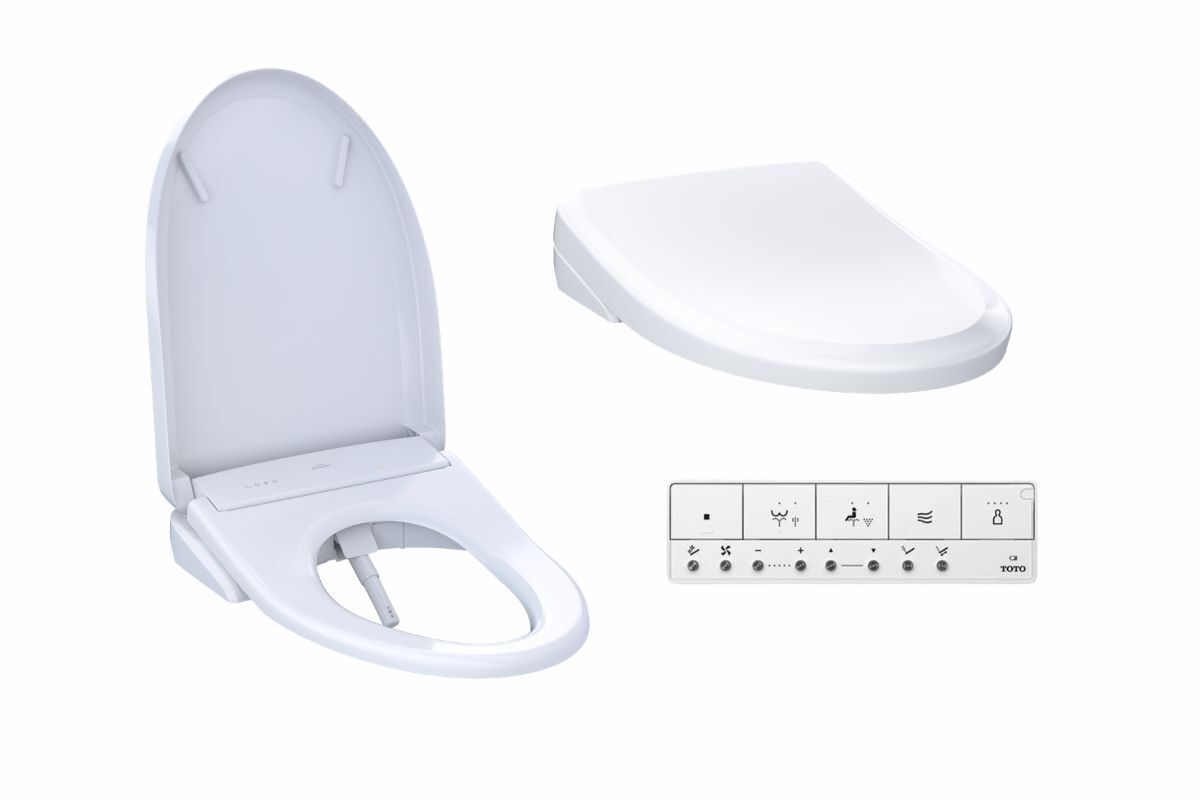
Sit fully on the seat so the sensor detects a user. Some wash functions will not activate unless the seat sensor is engaged correctly.
Step 2: Adjust your preferred wash settings
Use the TOTO Washlet S7A remote to customize your experience by adjusting the water pressure, changing the wand position, and setting the warm water temperature.
The system saves whatever settings are active during registration.
Step 3: Register the profile

Press and hold the Personal Setting button to enter registration mode. Then select one of the numbered profiles. The TOTO S7A remote stores your current adjustments to that profile.
Once saved, your TOTO S7A user profile is ready to use.
How to Use a Saved Profile
Using a saved profile is simple.
1. Press your numbered Personal Setting button on the TOTO Washlet remote.
2. Confirm that the LED for that profile lights up.
3. Start a wash function such as Rear Wash or Front Wash.
When the wash begins, the TOTO S7A bidet seat automatically adjusts to your saved water pressure, wand position, and temperature settings.
What To Do If Your TOTO S7A Remote Gets Lost or Damaged

Since the TOTO Washlet S7A is designed to be controlled through its remote, losing or damaging the remote can interrupt daily use. The good news is that you don’t need to replace the entire bidet seat. You can simply purchase the TOTO S7A replacement remote and reconnect it to your Washlet.
Before replacing the remote, check the batteries and make sure nothing is blocking the signal between the remote and the Washlet. After installing a new remote, follow the pairing steps outlined in the official instruction manual to reconnect it to the Washlet.
Optional Auto Flush Upgrade
Auto Flush is an optional upgrade that can be added to compatible TOTO WASHLET+® toilet systems for hands-free flushing convenience. This feature doesn’t come standard with the WASHLET® bidet seat and requires a separately purchased Auto Flush unit designed for your specific flush rate.
For 1.28 GPF toilets, the TOTO Auto Flush Unit is required, while 1.0 GPF (1G®) models use the TOTO Auto Flush Unit. Always confirm toilet compatibility before adding Auto Flush to ensure proper installation and performance.
Troubleshooting TOTO S7A Remote Instructions
If Personal Settings don’t behave as expected, try these simple checks. For a more in depth review of the indicator lights on different TOTO Washlets, read our blog post here!
Profile does not change wash settings
Make sure the Personal Setting button is pressed before starting the wash. Saved preferences activate only when the wash begins.
Wash functions do not activate
Sit fully on the seat so the sensor detects contact.
Wand position keeps resetting
This usually means a profile was not selected before starting the wash.
Remote does not respond
Check the battery level and replace both AAA batteries if needed.
Getting the Most Out of Your TOTO S7A Remote
Learning how to program Personal Settings is one of the easiest ways to get the most out of the TOTO Washlet S7A bidet seat. By saving water pressure, wand position, and temperature preferences, you create a more consistent and comfortable daily routine.
As you continue using the TOTO S7A remote, you may also explore features like heated seat adjustments, drying settings, and automatic cleaning functions controlled through the remote. Taking a few minutes to learn about your bidet remote control now helps ensure your TOTO S7A works exactly the way you want every time you use it.